The Complete Guide to Building Your Own Gaming PC: Essential Components and Tips for Beginners

Building your own gaming PC is an exciting venture that offers both customization and performance enhancement. This guide details the essential components you’ll need, along with practical tips for beginners. From selecting hardware to assembling your machine, you’ll find valuable insights that can help you create a gaming rig tailored to your preferences and needs.
When starting your gaming PC build, it is critical to select the right components. Each part serves a specific purpose and contributes to the overall performance of your machine. Here are the fundamental components you will need:
Selecting the right CPU can significantly impact your gaming performance. Look for a model with multiple cores and threads, as modern games benefit from parallel processing. Popular choices include:
Ensure compatibility with your motherboard’s socket type. Research benchmarks to find the best CPU for your budget and gaming needs.
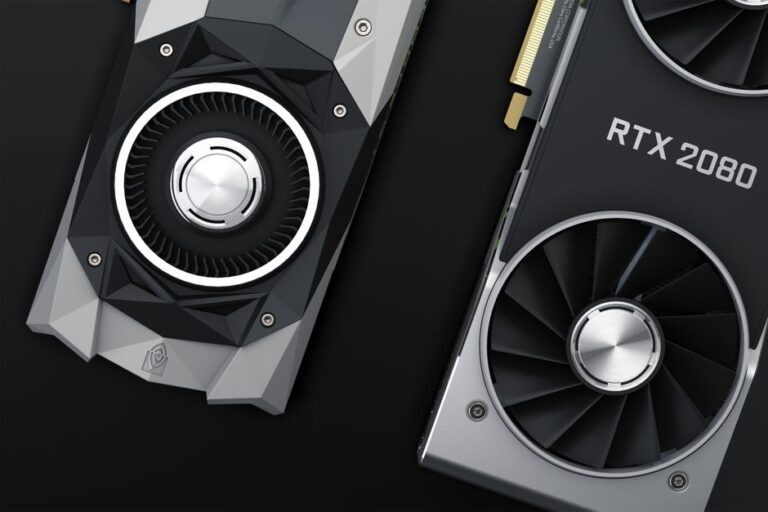
The GPU is perhaps the most vital component for gaming. It transforms raw data into the stunning visuals you experience during gameplay. When choosing a GPU, consider:
Popular brands include NVIDIA and AMD, each offering a range of options that cater to various budgets and performance requirements.
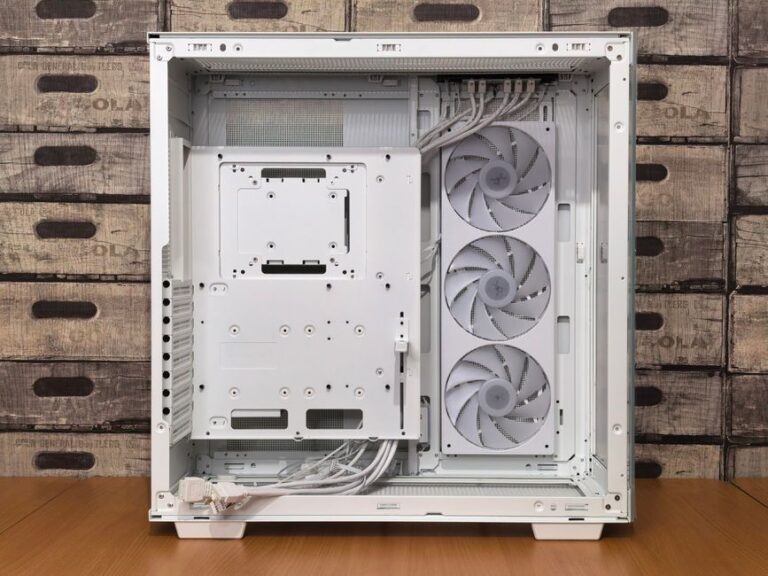
Once you have gathered all the components, the next step is assembly. Follow these basic steps to successfully build your PC:
After assembling the components, double-check all connections before powering on the system. Following these steps will help ensure a successful build.
After successfully building your gaming PC, consider these tips to maximize performance:
For those looking to enhance their gaming experience further, consider reading about the best components for optimal performance.
Budgeting largely depends on your gaming needs. A moderate budget can range from $800 to $1500 for a competent gaming rig.
Yes, most gaming PCs are suitable for tasks such as video editing and graphic design due to their powerful components.
With proper care and occasional upgrades, a gaming PC can last 5-7 years before requiring significant replacements.
Overclocking is not required but can provide performance boosts. Ensure you understand the risks before proceeding.
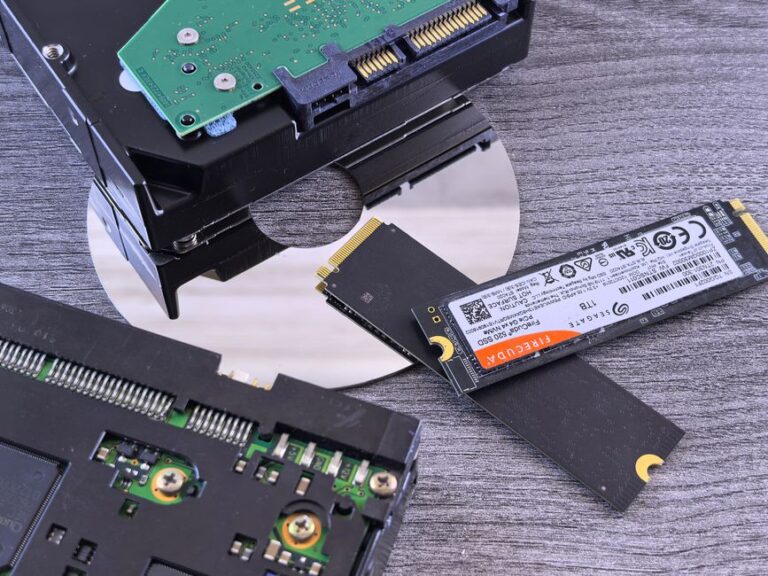
SSDs are faster and enhance gaming performance significantly. Consider reading about the comparison between SSD and HDD for gaming.