Building your own gaming PC is an exciting venture that offers both customization and performance enhancement. This guide details the essential components you’ll need, along with practical tips for beginners. From selecting hardware to assembling your machine, you’ll find valuable insights that can help you create a gaming rig tailored to your preferences and needs.
Essential Components of a Gaming PC
When starting your gaming PC build, it is critical to select the right components. Each part serves a specific purpose and contributes to the overall performance of your machine. Here are the fundamental components you will need:
- Central Processing Unit (CPU): The brain of your computer, responsible for processing instructions.
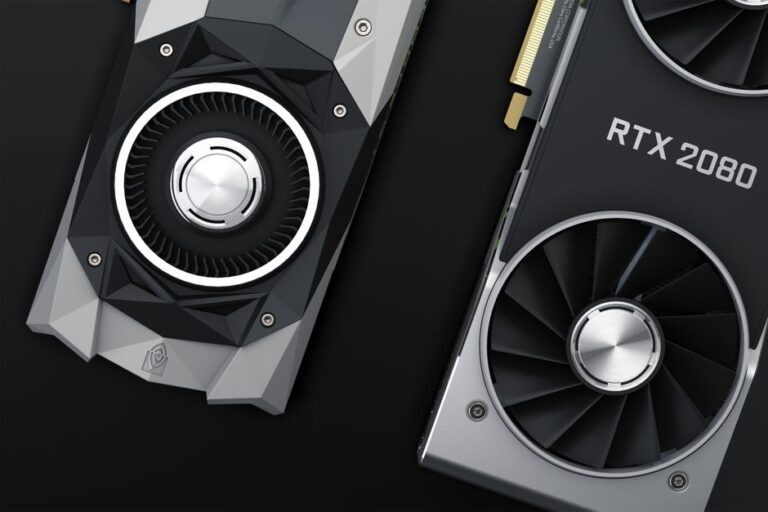
- Graphics Processing Unit (GPU): Essential for rendering images and videos, making it crucial for gaming performance.
- Motherboard: The main circuit board that connects all components and enables communication between them.
- Memory (RAM): Temporary storage that your CPU uses to store and access data quickly.
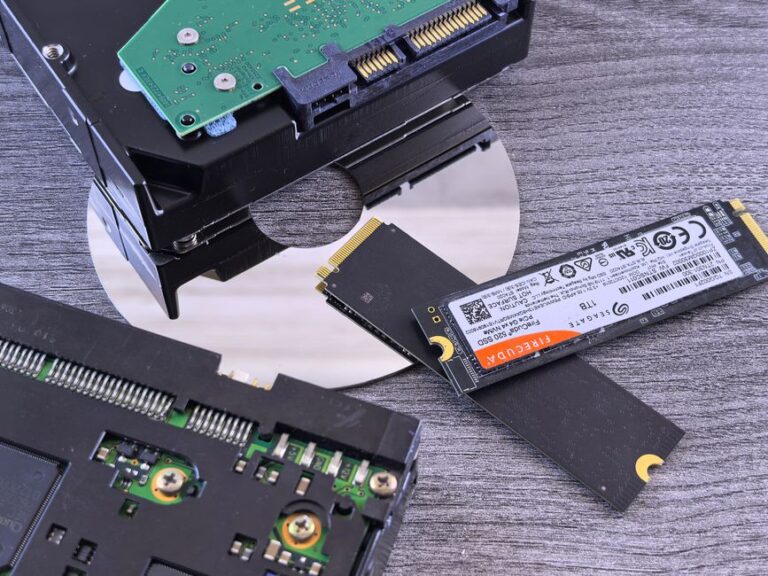
- Storage: Solid State Drives (SSD) and Hard Disk Drives (HDD) for saving your games and applications.
- Power Supply Unit (PSU): Provides power to all components, ensuring they operate correctly.
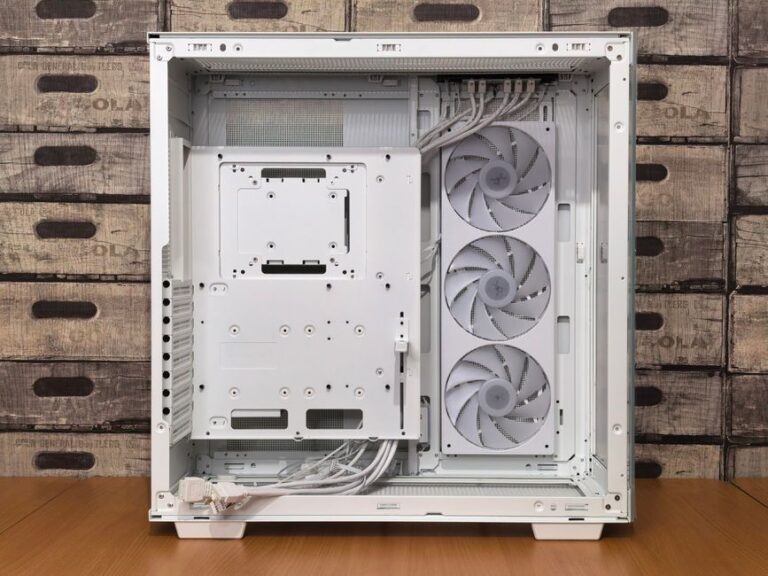
- Case: The enclosure that houses all your components, influencing airflow and aesthetics.
- Cooling System: Essential for maintaining optimal temperatures during intense gaming sessions.
Choosing the Right CPU
Selecting the right CPU can significantly impact your gaming performance. Look for a model with multiple cores and threads, as modern games benefit from parallel processing. Popular choices include:
- AMD Ryzen series for excellent multi-thread performance.
- Intel Core i5 or i7 for strong single-core capabilities.
Ensure compatibility with your motherboard’s socket type. Research benchmarks to find the best CPU for your budget and gaming needs.
Understanding GPUs and Gaming Performance
The GPU is perhaps the most vital component for gaming. It transforms raw data into the stunning visuals you experience during gameplay. When choosing a GPU, consider:
- Performance benchmarks.
- VRAM (Video Memory) size, with 6 GB or more being preferable for modern titles.
- Ray tracing capabilities for advanced lighting and shadow effects.
Popular brands include NVIDIA and AMD, each offering a range of options that cater to various budgets and performance requirements.
Assembling Your Gaming PC
Once you have gathered all the components, the next step is assembly. Follow these basic steps to successfully build your PC:
- Prepare Your Workspace: Ensure a clean and static-free environment with ample space.
- Install the CPU: Place the CPU into the motherboard socket and secure it according to the manufacturer’s instructions.
- Add RAM: Insert RAM sticks into the motherboard DIMM slots, ensuring they click into place.
- Install the Motherboard: Secure the motherboard in the case using the provided screws.
- Add the GPU: Insert the GPU into a PCIe slot on the motherboard and secure it.
- Add Storage: Install SSDs or HDDs into designated bays and connect them to the motherboard.
- Connect the PSU: Connect power cables from the PSU to the motherboard, GPU, and storage devices.
- Install Cooling System: Ensure the cooling system is installed correctly to maintain optimal temperatures.
After assembling the components, double-check all connections before powering on the system. Following these steps will help ensure a successful build.
Tips for Optimizing Your Gaming PC
After successfully building your gaming PC, consider these tips to maximize performance:
- Overclocking: Adjust settings to increase performance, but be cautious about heat generation.
- Regular Updates: Keep your drivers and software up-to-date for improved stability and performance.
- Adequate Cooling: Invest in quality cooling solutions to prevent overheating during gameplay.
- Monitor Performance: Use software tools to monitor resource usage and identify bottlenecks.
For those looking to enhance their gaming experience further, consider reading about the best components for optimal performance.
Frequently Asked Questions
1. What is the ideal budget for building a gaming PC?
Budgeting largely depends on your gaming needs. A moderate budget can range from $800 to $1500 for a competent gaming rig.
2. Can I use a gaming PC for tasks other than gaming?
Yes, most gaming PCs are suitable for tasks such as video editing and graphic design due to their powerful components.
3. How long will my gaming PC last?
With proper care and occasional upgrades, a gaming PC can last 5-7 years before requiring significant replacements.
4. Is it necessary to overclock my gaming PC?
Overclocking is not required but can provide performance boosts. Ensure you understand the risks before proceeding.
5. Should I use SSD or HDD for storage?
SSDs are faster and enhance gaming performance significantly. Consider reading about the comparison between SSD and HDD for gaming.