Essential Strategies for Winning in Competitive Online Multiplayer Games: A Step-by-Step Approach

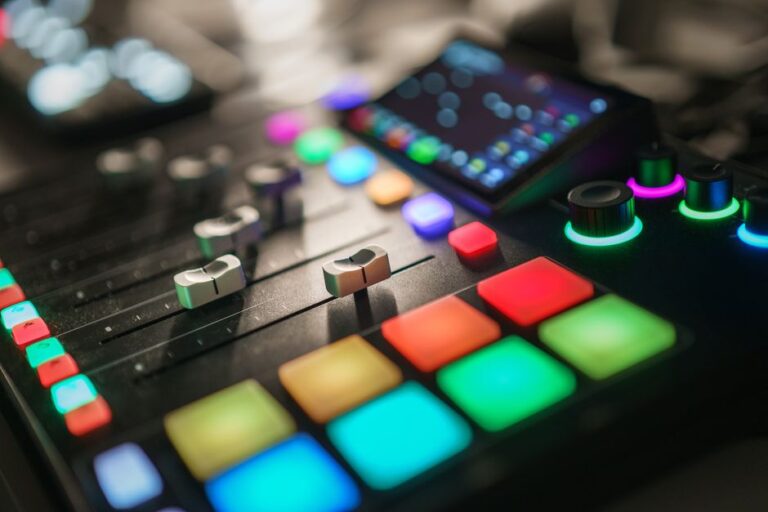
Game streaming has transformed the way players engage with their favorite titles and connect with audiences around the globe. With platforms like Twitch, YouTube Gaming, and Facebook Gaming, aspiring streamers can share their gameplay experiences while building communities. This comprehensive guide will walk you through the essential steps to set up your first live broadcast, ensuring you master the art of game streaming.
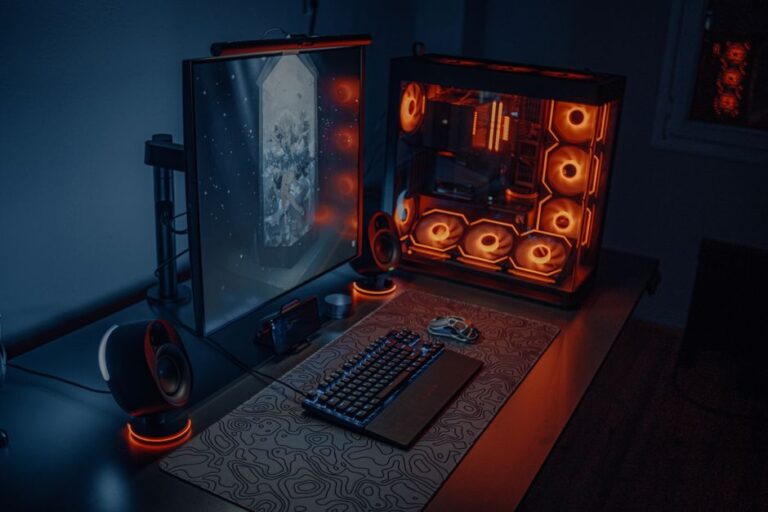
To deliver high-quality streams, having the right equipment is crucial. Below are the key components you will need:
Selecting the appropriate streaming software is vital for a successful broadcast. Popular options include:
Creating an inviting streaming environment enhances viewer experience. Consider these aspects:
Once you have your equipment and environment set up, it’s time to configure your stream settings:
Interacting with your viewers is key to building a loyal community. Here are effective strategies:
Establishing a unique brand helps you stand out in the crowded streaming landscape. Consider the following:
Once you have established your presence, consider ways to monetize your stream. Here are some common methods:
A minimum upload speed of 5 Mbps is recommended for streaming at 720p, while 10 Mbps or higher is ideal for 1080p.
While it’s not mandatory, using a webcam can enhance viewer engagement by allowing them to see your reactions and personality.
Some consoles, like the PlayStation 4 and Xbox One, have built-in streaming capabilities that do not require a capture card.
Engage actively with your viewers, promote your streams on social media, and collaborate with other streamers to increase your visibility.
While a gaming PC is ideal for high-quality streams, you can also stream directly from consoles using their built-in features.
There are several popular streaming platforms to choose from, each with its own unique features and audience. The most widely used platforms include Twitch, YouTube Gaming, and Facebook Gaming. Each platform offers different tools for engagement, monetization, and community building.
To enhance your stream quality, invest in a good microphone and camera. Additionally, ensure you have a stable internet connection with sufficient upload speed. Regularly update your streaming software and optimize your settings for the best performance.
Choosing the right games can significantly impact your audience growth. Popular games often have larger viewer bases, but niche games can attract dedicated communities. Consider streaming trending titles, multiplayer games, or games that align with your personal interests.
Branding plays a crucial role in establishing your identity as a streamer. Create a unique logo, consistent color scheme, and engaging channel graphics. This helps viewers recognize your channel and builds a professional image.
Absolutely! Interaction is key to building a loyal audience. Respond to chat messages, ask questions, and acknowledge new followers or donations during your stream. This creates a sense of community and encourages viewers to return.
Investing in quality equipment can significantly enhance your streaming experience. A reliable microphone, a good webcam, and a powerful gaming PC or console are essential. These tools ensure clear audio and video, improving viewer engagement.
Promotion is vital for growing your audience. Utilize social media platforms, collaborate with other streamers, and participate in gaming forums. Consistent promotion will help attract viewers who share your interests.
Establishing a consistent streaming schedule is important for audience retention. Choose specific days and times for your streams, and communicate this schedule to your viewers. Regularity helps your audience know when to tune in.