Introduction to Optimizing Your Gaming Setup
Enhancing your gaming setup is crucial for achieving maximum performance and enjoyment. The right equipment, combined with thoughtful adjustments, can drastically elevate your gaming experience. This guide outlines essential tips to help you optimize your gaming environment and equipment, ensuring not just smooth gameplay but also an immersive experience that can transport you into the game world.
Choosing the Right Hardware for Optimal Performance
The foundation of any great gaming setup hinges on high-quality hardware. Selecting the right components is not merely about specifications; it profoundly impacts your overall gaming experience.
High-Performance CPU and GPU
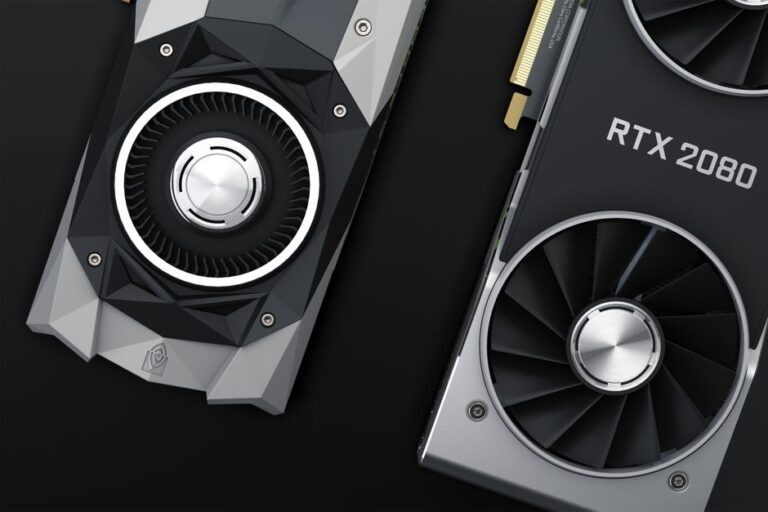
The central processing unit (CPU) and the graphics processing unit (GPU) serve as the heart of any gaming rig, playing vital roles in delivering high-quality graphics and fast responsiveness. When making your selections, keep the following considerations in mind:
- Latest Generations: Investing in the latest generation of CPUs and GPUs ensures compatibility with the most demanding games, enabling you to experience the latest graphical advancements.
- VRAM Capacity: For gaming at higher resolutions, such as 1440p or 4K, a GPU with ample VRAM (Video Random Access Memory) is essential for texture loading and overall performance stability.
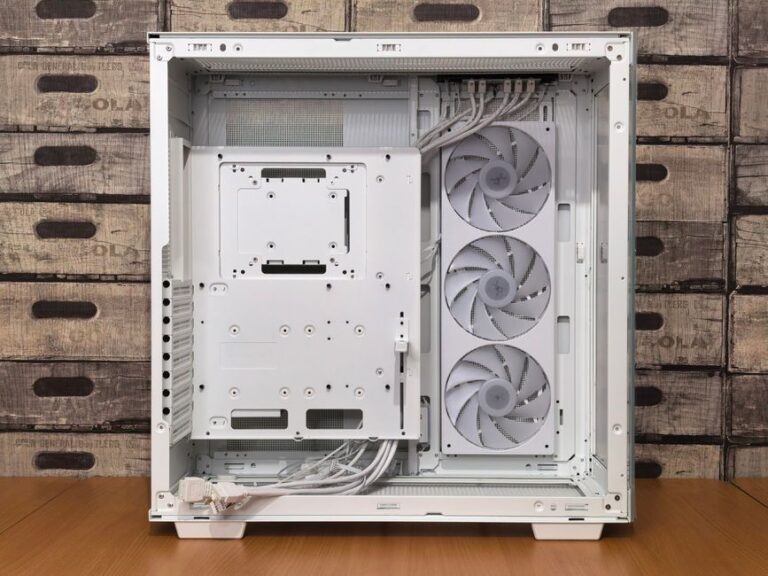
- Cooling Solutions: Effective cooling systems, like liquid cooling or high-performance fans, are necessary to maintain optimal temperatures during extended gaming sessions, which prevents overheating and potential damage to components.
Memory and Storage Considerations
Memory (RAM) and storage are also critical aspects that influence performance. Here are essential points to consider:
- RAM Size: A minimum of 16GB of RAM is generally recommended for most modern games; however, opting for 32GB offers future-proofing against increasingly demanding titles.
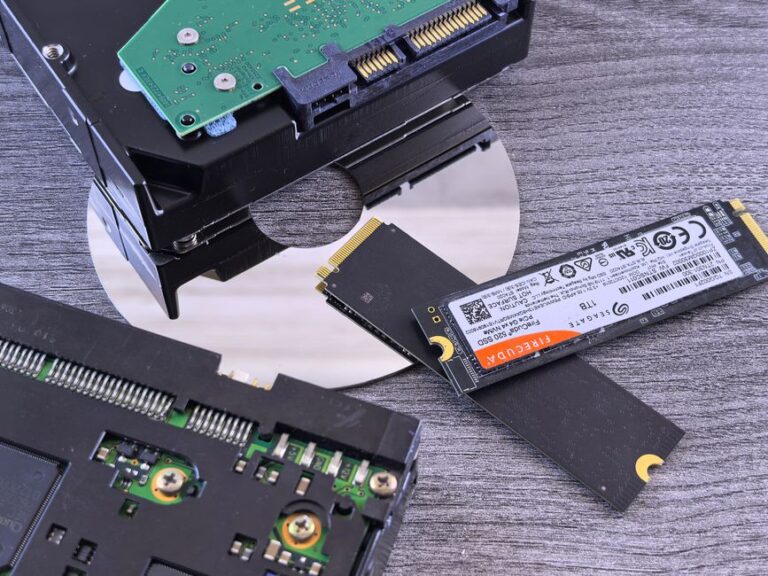
- SSD vs. HDD: Solid-state drives (SSD) significantly outperform traditional hard drives (HDD) in terms of load times. Games stored on SSDs launch faster, directly enhancing your gaming experience.
- Storage Capacity: Assess your storage needs carefully. Choose a solution that can accommodate your entire library of games and software while leaving room for updates, downloadable content (DLC), and additional expansions.
Ergonomics and Comfort in Your Gaming Space
A well-designed, comfortable setup is vital for extended gaming sessions. Here are practical steps to bolster your ergonomic setup:
Choosing the Right Gaming Chair
Your gaming chair can significantly influence both comfort and performance. Consider the following features:
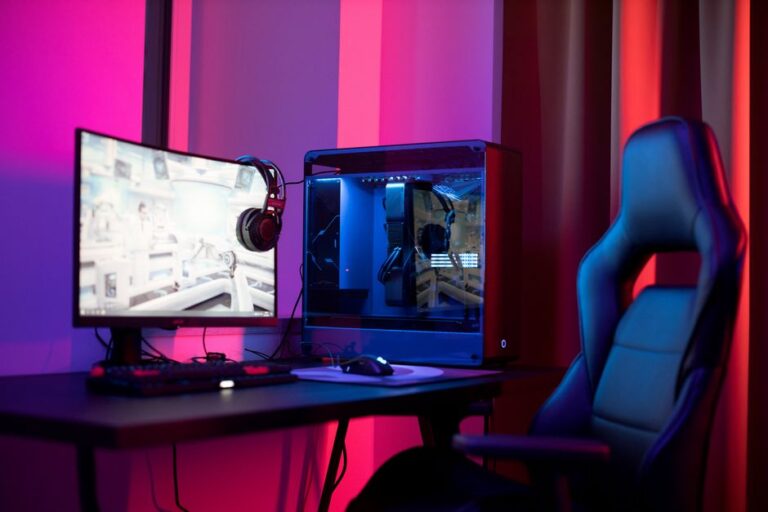
- Adjustable Height: A chair with adjustable height enables you to maintain proper posture in alignment with your desk and monitor, which can help you avoid stress injuries.
- Supportive Design: Look for ergonomic chairs that provide firm lumbar support, which is crucial for reducing the risk of back strain during long gaming marathons.
- Material: Opt for breathable materials that allow for ventilation, helping to keep you cool and comfortable over extended periods.
Monitor and Display Setup
The quality of your display has a significant impact on your gaming experience. Key factors to consider include:
- Refresh Rate: Monitors with a refresh rate of 144Hz or higher offer smoother visuals and reduced motion blur, particularly beneficial in fast-paced games.
- Resolution: While 1080p is the current standard for many titles, investing in 1440p or even 4K options elevates visual detail, creating a more immersive experience.
- Screen Size: Choose a monitor size that matches your viewing distance to avoid eye strain; larger screens may require greater distance for optimal comfort.
Networking and Connectivity for Seamless Gameplay
Stable internet connectivity is vital for enjoyable online gaming experiences. Optimize your setup with these considerations:
Wired vs. Wireless Connections
Understanding the nuances between wired and wireless connections is critical for network performance:
- Wired Connections: Ethernet connections provide greater stability and speed, which are essential, especially for competitive gaming where every millisecond counts.
- Wireless Options: If you must use Wi-Fi, ensure your router supports the latest standards like Wi-Fi 6, which offers improved speed and decreased latency.
Router Placement and Quality
The location and quality of your router can directly influence your gaming experience:
- Optimal Placement: Position your router in a central location within your gaming area to maximize coverage and minimize dead spots.
- Quality Hardware: Invest in a gaming-specific router that prioritizes traffic for your gaming devices, ensuring optimal speed and performance.
Frequently Asked Questions
- What are the minimum specs for a good gaming rig? A foundational gaming rig should feature at least a quad-core CPU, 16GB of RAM, and a graphics card with 4GB of VRAM to handle current game demands.
- How can I improve my online gaming performance? Enhancing your online gaming performance involves using a wired connection when possible, adjusting your router settings, and considering an upgrade to your internet plan if needed.
- Is a higher refresh rate monitor worth it? Absolutely. Higher refresh rates provide smoother visuals, which can greatly improve reaction time and enrich the overall gameplay experience.
- How can I reduce lag in gaming? To minimize lag, maintain wired connections, close unnecessary background applications, and consider upgrading your internet speed to better support gaming activities.
- What accessories can enhance my gaming setup? Investing in high-quality gaming accessories, such as a responsive gaming keyboard, precision mouse, and immersive headset, can enhance both your performance and enjoyment.
By paying attention to these critical areas when setting up your gaming environment, you can create an optimal experience that fully immerses you in the gaming world.