The Complete Guide to Building Your Own Gaming PC: Essential Components and Tips for Beginners

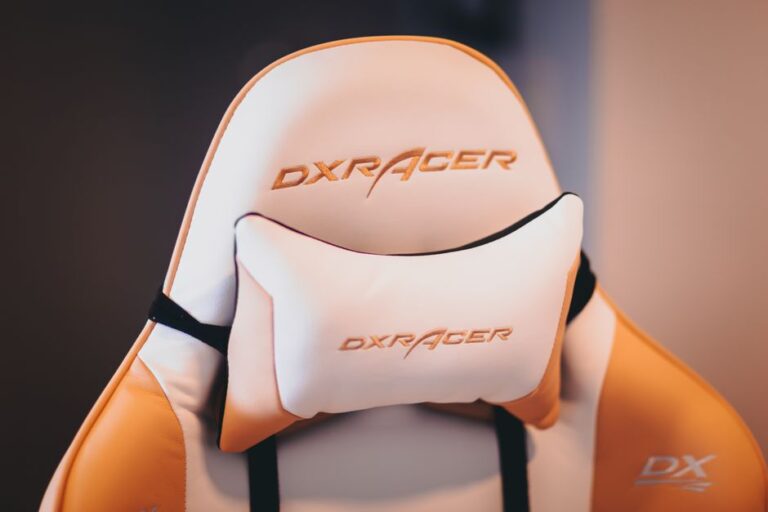
Creating an optimal gaming setup is essential for both performance and comfort. Ergonomics plays a crucial role in ensuring that gamers can enjoy prolonged gaming sessions without discomfort or injury. This article explores how to optimize your gaming setup for ergonomic comfort and performance, providing practical tips and insights.
Ergonomic design focuses on creating a workspace that reduces strain on the body. In gaming, this involves considering various elements such as chair height, desk setup, and monitor placement. A well-optimized gaming setup not only enhances comfort but also improves overall gaming performance.
A gaming chair is one of the most critical components of an ergonomic setup. The right chair provides support and helps maintain proper posture during long gaming sessions.
Some popular ergonomic gaming chairs include:
The desk is another vital aspect of your gaming setup. An ideal gaming desk should provide ample space and support for your equipment while promoting an ergonomic posture.
Consider these types of desks for your gaming setup:
Proper arrangement of your monitor and peripherals is crucial for maintaining comfort and enhancing your gaming experience.
Correct placement of your keyboard and mouse can significantly impact your gaming performance:
A well-lit gaming environment can enhance your experience and reduce eye strain. Here are some tips for optimizing lighting in your gaming setup.
To minimize glare on your screens:
Good posture is essential for long-term comfort and health. Here are some tips to maintain proper posture while gaming:
The best height for a gaming chair allows your feet to rest flat on the ground while your knees are at a 90-degree angle.
It is recommended to take a break every hour to stretch and rest your eyes.
A desk that accommodates your gaming equipment while allowing for proper ergonomic posture is ideal. Standing desks or L-shaped desks are often preferred.
While not necessary, gaming monitors with high refresh rates and low response times can enhance your gaming experience significantly.
Adjust your monitor brightness, use proper lighting, and follow the 20-20-20 rule: every 20 minutes, look at something 20 feet away for 20 seconds.
Selecting the right accessories can greatly improve your overall gaming experience. From headsets to mousepads, each component plays a vital role in performance and comfort.
A good gaming headset should provide clear audio and a comfortable fit. Look for models with noise-cancellation features to immerse yourself fully in your gameplay.
Opt for mechanical keyboards that offer tactile feedback and customizable keys. A gaming mouse with adjustable DPI settings allows for greater precision during gameplay.
Don’t underestimate the importance of a quality mousepad. A large, smooth surface can significantly enhance mouse movement and accuracy.
Gaming doesn’t have to be a solitary experience. Engaging with friends and the gaming community can add a social element that enhances enjoyment.
Participating in forums and social media groups can connect you with like-minded gamers. These platforms are great for sharing tips, strategies, and experiences.
Multiplayer games provide an excellent opportunity to team up with friends or meet new players. This interaction can foster friendships and create memorable experiences.
Consider streaming your gameplay on platforms like Twitch or YouTube. This not only allows you to showcase your skills but also builds a community around your gaming passion.