The Complete Guide to Building Your Own Gaming PC: Essential Components and Tips for Beginners

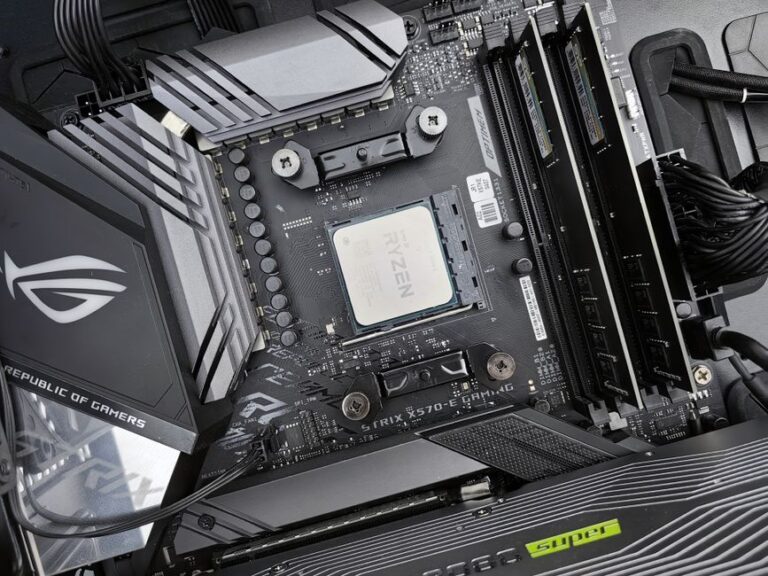
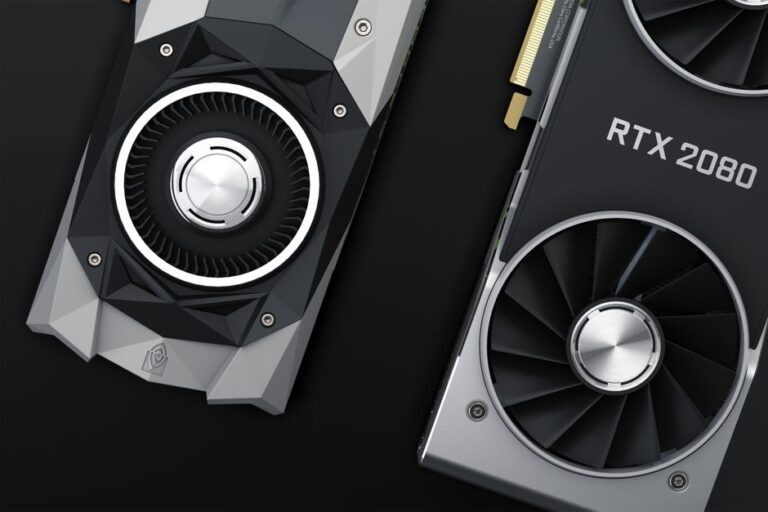
Choosing the right graphics card is crucial for an optimal gaming experience. A graphics card, or GPU, is responsible for rendering images, animations, and video for your computer. The right GPU can significantly enhance your gameplay, ensuring smooth graphics and high frame rates. In this guide, we will explore the essential factors to consider when selecting a graphics card for your gaming setup.
When choosing a graphics card, several factors play a vital role in determining its suitability for your gaming needs. Understanding these factors will help you make an informed decision.
Performance is one of the most critical aspects of a graphics card. Here are some key performance indicators to evaluate:
Ensuring compatibility between your graphics card and your gaming setup is essential. Consider the following:
Your budget plays a significant role in determining which graphics card you can purchase. Here are some tips for setting a budget:
Several graphics card models have gained popularity among gamers due to their performance and reliability. Here are some noteworthy options:
As technology advances, new gaming titles often require more powerful hardware. Future-proofing your graphics card choice can save you from needing an upgrade shortly after your purchase. Consider the following:
Proper maintenance of your graphics card can enhance its longevity and performance. Here are some tips for keeping your GPU in top shape:
The NVIDIA GeForce RTX 3060 and AMD Radeon RX 6600 XT are both excellent choices for 1080p gaming.
For most gaming scenarios, 6GB to 8GB of VRAM is sufficient, but higher resolutions may require more.
Yes, AMD graphics cards are compatible with Intel CPUs, provided your motherboard supports the necessary interfaces.
Ray tracing is a rendering technique that produces realistic lighting effects. While not essential, it can enhance visual experiences in supported games.
It depends on your gaming needs and the performance of new titles. Generally, upgrading every 3 to 5 years is advisable for optimal performance.
When selecting a graphics card, it is essential to understand various performance metrics. These metrics will help you gauge how well a GPU will perform in your specific gaming scenarios.
Frame rate, measured in frames per second (FPS), indicates how many images your graphics card can render in a second. A higher FPS results in smoother gameplay, especially in fast-paced games. Aim for at least 60 FPS for a good gaming experience.
The resolution of your display affects how detailed the graphics appear. Common resolutions include 1080p, 1440p, and 4K. Additionally, the refresh rate, measured in hertz (Hz), indicates how many times your screen updates per second. A higher refresh rate can provide a more fluid visual experience.
Choosing the right graphics card involves considering your gaming habits and preferences. Here are some factors to keep in mind:
In conclusion, selecting the right graphics card is crucial for an enjoyable gaming experience. By understanding the key performance metrics and considering your specific gaming needs, you can make an informed decision that enhances your overall gaming experience. Remember to stay updated on new releases and technology trends to ensure your setup remains relevant in the fast-evolving gaming landscape.
When choosing a graphics card, also take into account the cooling system. Efficient cooling can prevent overheating and prolong the lifespan of your hardware.
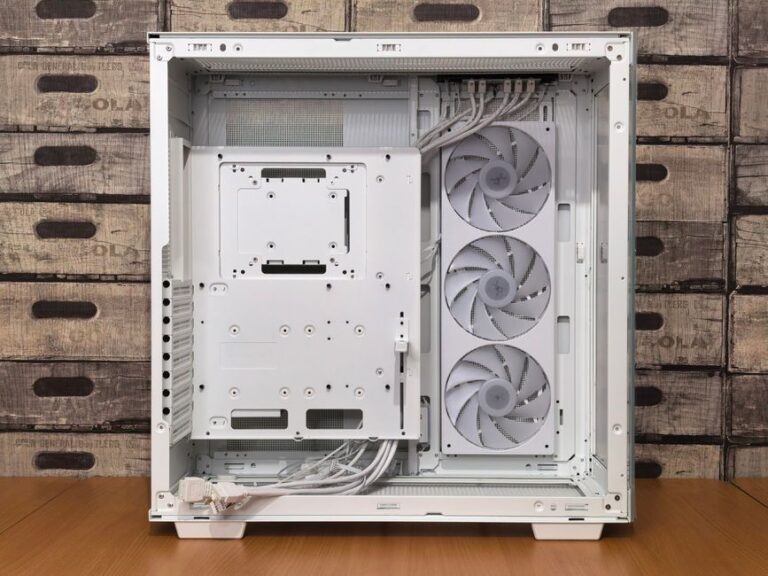
Ensure that the graphics card you select is compatible with your existing system. Check the power supply requirements and physical space in your case.