The Complete Guide to Building Your Own Gaming PC: Essential Components and Tips for Beginners

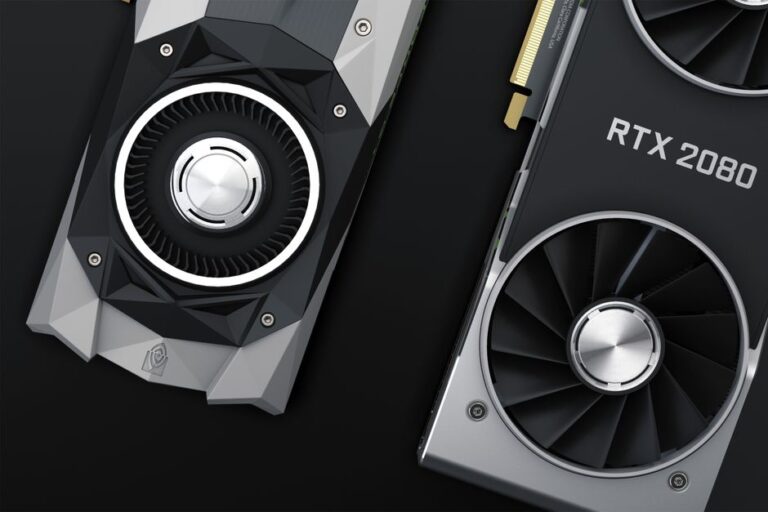
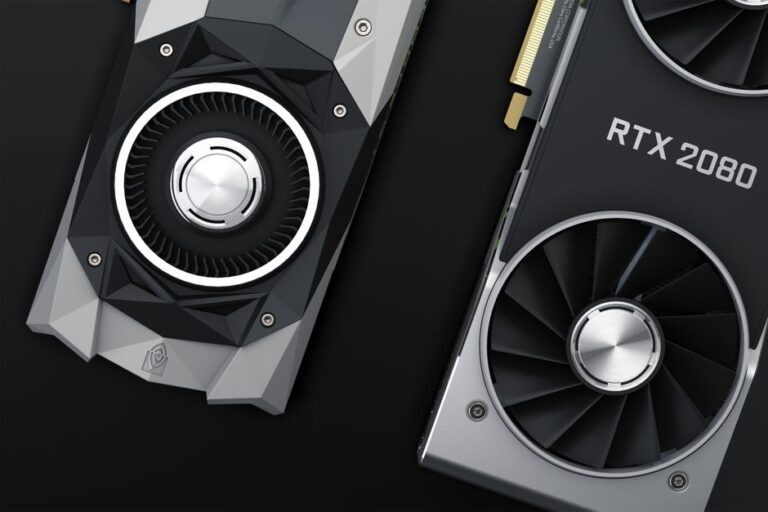
Choosing the right graphics card is crucial for achieving high-performance gaming. A graphics card, also known as a GPU (Graphics Processing Unit), is responsible for rendering images, animations, and videos for your computer. This article provides a comprehensive guide to selecting the best graphics card tailored to your gaming needs, ensuring an optimal gaming experience.
When evaluating graphics cards, several key specifications should be considered. Understanding these aspects will help you make an informed decision.
The architecture of a GPU plays a significant role in its performance. Most modern graphics cards utilize either NVIDIA’s Ampere architecture or AMD’s RDNA architecture. Each architecture has its strengths and weaknesses.
VRAM is essential for storing textures and graphical data. For high-performance gaming, a minimum of 6GB of VRAM is recommended, especially for playing games at higher resolutions.
The clock speed, measured in MHz, indicates how fast the GPU can process information. Higher clock speeds generally result in better performance, but this should be considered alongside other factors like cores and architecture.
NVIDIA uses CUDA cores, while AMD uses stream processors. These cores are responsible for executing tasks; more cores typically indicate better performance in gaming scenarios.
Graphics cards consume varying amounts of power. It’s important to ensure your power supply can support the card’s requirements. Additionally, effective cooling solutions are necessary to prevent overheating during intense gaming sessions.
Selecting the ideal graphics card depends on several factors, including your gaming preferences, budget, and existing hardware. Here are some key considerations.
Graphics cards can range significantly in price. Establishing a budget will help narrow down your options and ensure you’re investing in a card that meets your needs without overspending.
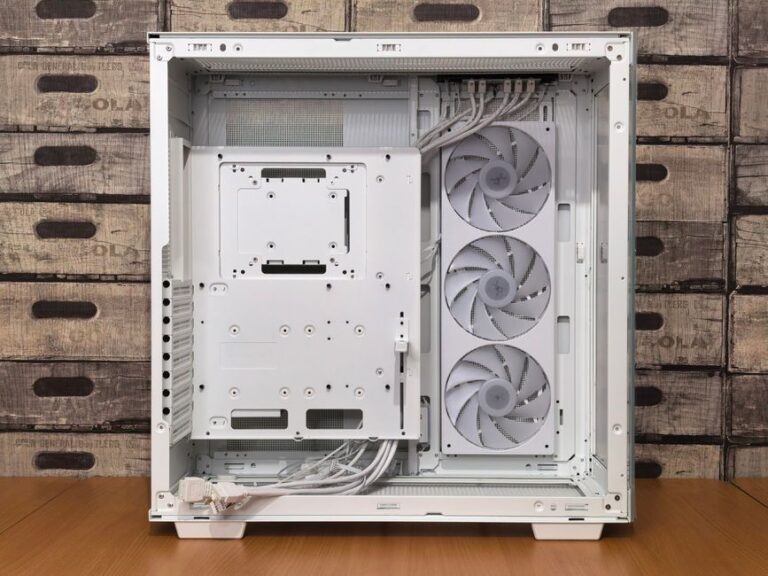
Ensure the graphics card is compatible with your motherboard and that your power supply unit (PSU) can handle the GPU’s power requirements. Additionally, check the physical space in your case to ensure the card will fit.
Investing in a more powerful graphics card can extend the lifespan of your gaming setup. Consider future game releases and advancements in technology when making your choice.
Here are some of the top graphics card models available in 2026, known for their performance and reliability.
Once you have chosen and installed your graphics card, maintaining it is essential for ensuring longevity and performance. Here are some tips for upkeep.
Dust buildup can impede cooling efficiency. Regularly clean your graphics card and the surrounding area to ensure optimal airflow.
Keep your drivers updated to ensure the best performance and compatibility with the latest games. Both NVIDIA and AMD frequently release updates that can enhance performance.
Use software to keep track of your GPU’s temperature. High temperatures can indicate inadequate cooling or potential hardware issues.
For most modern gaming, a minimum of 6GB of VRAM is recommended, especially for higher resolutions and detailed textures.
Yes, as long as the graphics card is compatible with your motherboard’s PCIe slot, brand does not matter.
The NVIDIA GeForce RTX 4090 is currently one of the best options for 4K gaming, offering superior performance and features.
Check the wattage requirements of the graphics card and compare it to your PSU’s output. Ensure it has the necessary power connectors as well.
If you plan to play demanding games or want to future-proof your setup, investing in a high-end graphics card can be worthwhile.
When selecting a graphics card, consider the following factors:
To install a graphics card, follow these steps:
Yes, it is essential to update your graphics drivers after installation to ensure optimal performance and compatibility with the latest games.