The Complete Guide to Building Your Own Gaming PC: Essential Components and Tips for Beginners

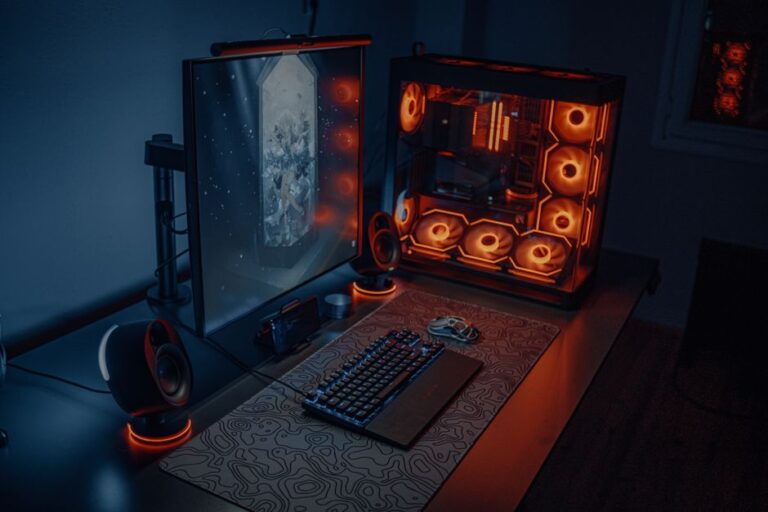
Building a custom gaming PC can be an exciting and rewarding experience for any gaming enthusiast. This step-by-step guide is designed for beginners who wish to create a powerful, tailored gaming machine that meets their specific needs. From selecting the right components to assembling them into a cohesive unit, this guide will provide you with all the information necessary to get started on your gaming PC journey.
Before diving into the assembly process, it is crucial to understand the essential components that make up a gaming PC. Each part plays a significant role in your system’s overall performance.
Selecting the right components is crucial for building a custom gaming PC that meets your gaming requirements. Here are some tips to help you make informed decisions:
Before you start selecting components, establish a budget for your build. Knowing how much you are willing to spend will guide your choices and help you prioritize essential parts without overspending.
Ensure that all components are compatible with one another. For example, check that the motherboard supports the chosen CPU and that the case can accommodate the size of the GPU. Websites like PCPartPicker can assist in verifying compatibility.
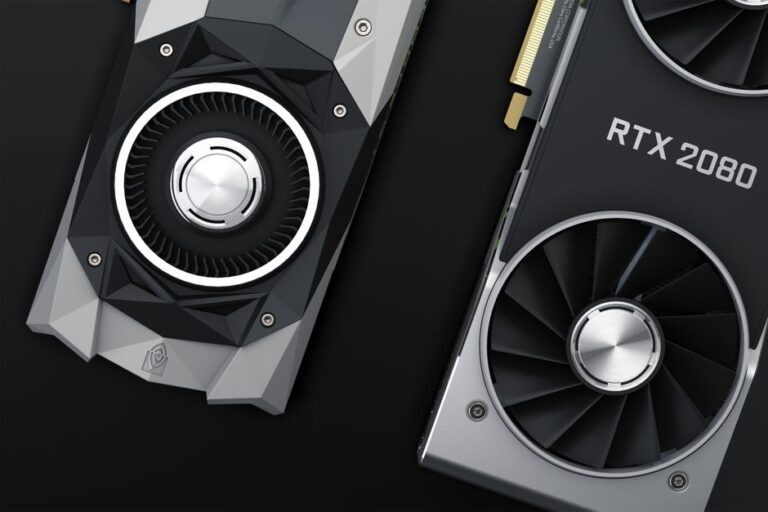
Focus on components that will deliver the best performance for gaming. A high-quality GPU is often more critical than a high-end CPU for gaming purposes. Aim for a balance that suits the games you plan to play.
Once you have gathered all the necessary components, it’s time to assemble your gaming PC. Follow these steps for a successful build:
Choose a clean, spacious area to work in. Ensure you have all your tools ready, including a screwdriver, anti-static wrist strap, and cable ties for organization.
Begin by installing the power supply unit (PSU) into the case. Ensure the fan is positioned correctly for optimal airflow. Secure it with screws provided in the PSU packaging.
Carefully place the CPU into the motherboard socket, aligning the notches. Lock it in place and apply thermal paste if necessary before attaching the CPU cooler.
Insert the RAM sticks into the appropriate slots on the motherboard. Make sure they click into place securely.
Align the motherboard with the standoffs in the case and secure it using screws. Connect the power cables from the PSU to the motherboard.
Insert the graphics card into the PCIe slot on the motherboard. Secure it with screws and connect any necessary power cables from the PSU.
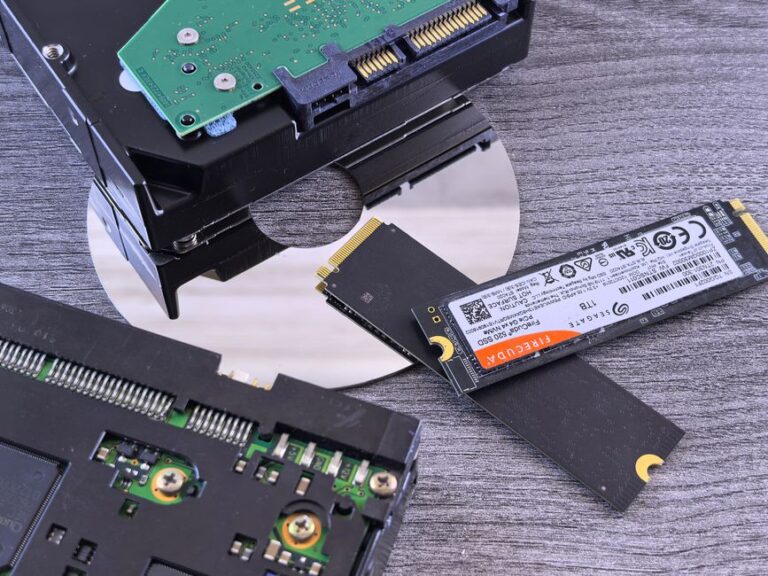
Mount your storage drives into the designated bays within the case. Connect the SATA cables to the motherboard and power cables from the PSU.
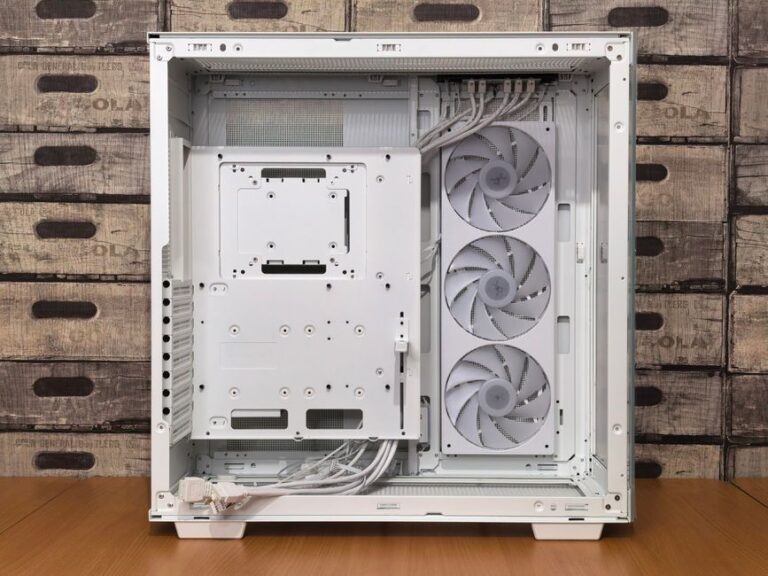
Install any additional cooling fans or liquid cooling systems. Ensure they are connected to the motherboard for power and control.
Organize and secure cables using cable ties to improve airflow and aesthetics. Ensure all connections are secure and tidy.
Double-check all connections and components to ensure everything is installed correctly. Once satisfied, connect your monitor, keyboard, and mouse, and power on your new gaming PC.
After successfully assembling your gaming PC, the next step is to install your operating system and drivers to ensure your system runs smoothly.
Decide on an operating system that suits your gaming needs. Windows is the most popular choice among gamers for its compatibility with a wide range of games.
Create a bootable USB drive with the installation files for your chosen operating system. Follow the instructions provided by the OS to prepare the media.
Boot your PC from the USB drive and follow the prompts to install the operating system. This process may take some time, so be patient.
Once the operating system is installed, download and install the latest drivers for your components, particularly the GPU, from the manufacturer’s website. This is crucial for optimal performance.
The best budget varies based on your gaming preferences, but a range of $800 to $1500 is typical for a solid mid-range gaming PC.
For beginners, building a gaming PC can take anywhere from 2 to 5 hours, depending on experience and familiarity with components.
Overclocking can enhance performance but can also increase heat and power consumption. It is not necessary for all users, especially beginners.
Building a gaming PC is manageable for beginners with careful planning and following guides. It can be a valuable learning experience.
If your PC does not power on, check all connections, ensure the PSU is functional, and verify that components are seated correctly. Troubleshooting may be necessary.
Essential components include a CPU, GPU, motherboard, RAM, storage, and a power supply. Each component plays a crucial role in performance.
Choosing the right GPU depends on your gaming preferences and budget. Research performance benchmarks to find the best match for your needs.
Yes, you can reuse some components like the case, storage, or power supply, but ensure compatibility with new hardware before proceeding.
Proper cooling prevents overheating, ensuring optimal performance and longevity of components. Good airflow and quality coolers are essential.