The Complete Guide to Building Your Own Gaming PC: Essential Components and Tips for Beginners

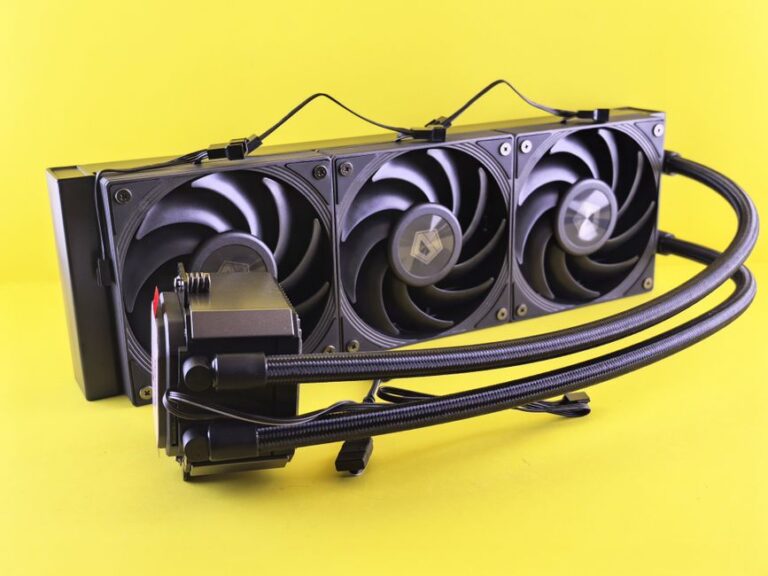
In the world of high-performance gaming, effective cooling solutions are essential for maintaining optimal system performance and longevity. As modern games demand more from hardware, the risk of overheating increases. This article delves into the best cooling solutions available for gaming PCs, ensuring that gamers can enjoy their experience without compromising on performance.
When it comes to cooling solutions, there are primarily two types: air cooling and liquid cooling. Each has its own advantages and disadvantages, making them suitable for different gaming setups. Understanding these types will help you make an informed choice for your gaming rig.
Air cooling is one of the most common methods used in gaming PCs. It involves the use of heatsinks and fans to dissipate heat generated by the CPU and GPU. Here are some key features:
High-quality air coolers, such as the Noctua NH-D15 or the Cooler Master Hyper 212, provide efficient cooling solutions while being relatively quiet.
Liquid cooling is often preferred by enthusiasts who seek superior performance. This method uses a liquid coolant to transfer heat away from critical components. Key benefits include:
Popular liquid cooling solutions include AIO (All-In-One) units like the Corsair H100i and custom loop systems for advanced users.
Selecting the best cooling solution depends on various factors including your gaming habits, budget, and system configuration. Here are some considerations to keep in mind:
If you are an avid gamer who plays resource-intensive titles or engages in overclocking, a liquid cooling system may be the best option. For casual gamers, a good air cooler might suffice.
Air cooling systems are generally more affordable, making them a great choice for budget-conscious gamers. Liquid cooling systems can be pricier, especially custom setups, but they offer superior performance.
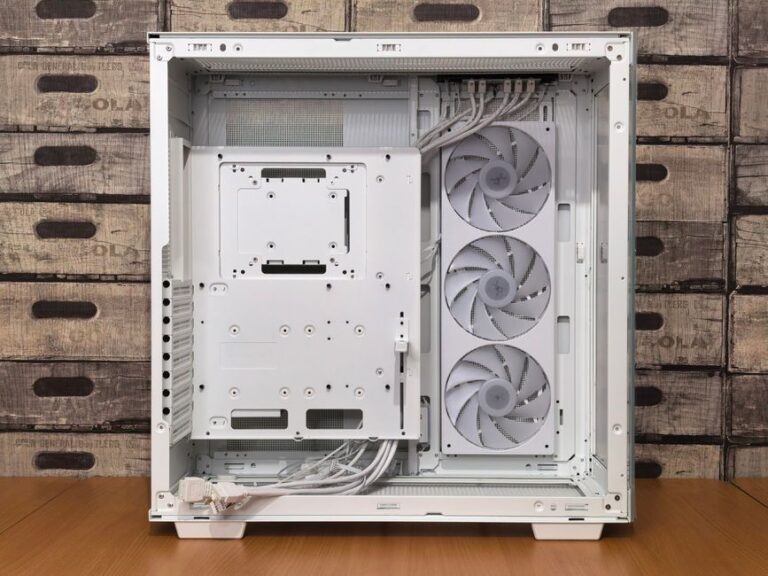
Consider the size of your case and the compatibility of your components. Some liquid cooling solutions require more space and specific mounting options. Ensure that your case can accommodate your chosen cooling solution.
Regardless of the cooling solution you choose, regular maintenance is crucial for optimal performance. Here are some tips to keep your cooling system in top shape:
Signs of overheating include sudden performance drops, system crashes, and increased fan noise. Monitoring software can help track temperatures.
Yes, some gamers opt for hybrid setups, using air cooling for certain components while employing liquid cooling for others.
It is advisable to clean your cooling system every few months, or more frequently if you have pets or live in a dusty environment.
For gamers who prioritize performance and aesthetics, liquid cooling can be a worthwhile investment. However, air cooling is sufficient for many users.
With proper maintenance, air coolers can last several years, while liquid coolers may require replacement every 5-7 years due to potential coolant degradation.
Custom cooling solutions offer several advantages for gamers looking to enhance their performance and system aesthetics. These solutions can be tailored to individual needs, providing optimal cooling efficiency while minimizing noise levels.
Custom cooling systems, particularly liquid cooling setups, can significantly lower the operating temperatures of your CPU and GPU. This reduction in heat can lead to improved performance, especially during intense gaming sessions or resource-heavy applications.
Many gamers enjoy showcasing their setups. Custom cooling systems can include RGB lighting and unique designs, allowing for a personalized look that reflects your gaming style. This aesthetic upgrade can make your gaming rig stand out during streaming sessions or LAN parties.
One of the key benefits of liquid cooling is the potential for quieter operation. Liquid cooling systems often operate more quietly than traditional air coolers, as they rely on pumps and radiators rather than fans, which can produce noise at high speeds.
When installing or upgrading a cooling system, it is crucial to avoid common mistakes that can hinder performance or damage components.
Failing to follow the manufacturer’s installation instructions can lead to inefficient cooling or, worse, damage to your components. Always ensure that your cooling system is securely mounted and that thermal paste is applied correctly.
Many users overlook the importance of regular maintenance. Dust accumulation can impede airflow and cooling efficiency. Regularly checking and cleaning your cooling components is essential for optimal performance.
Before purchasing a cooling system, ensure that it is compatible with your hardware. Check the specifications of your CPU, GPU, and case to avoid any installation issues.
Investing in a suitable cooling system can greatly enhance your gaming experience, providing both performance benefits and aesthetic improvements. By understanding the types of cooling systems available and avoiding common pitfalls, you can create a setup that meets your gaming needs effectively.