The Complete Guide to Building Your Own Gaming PC: Essential Components and Tips for Beginners

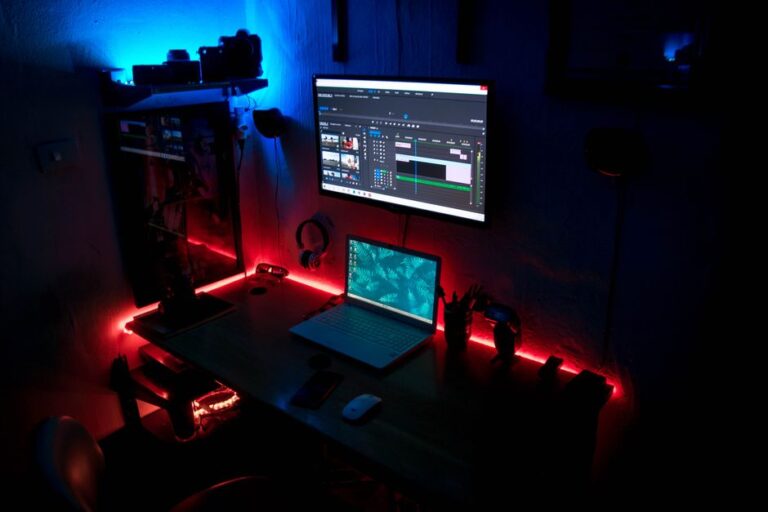
Selecting the right monitor for your gaming setup is crucial for an immersive experience. The gaming monitor market offers a variety of options, each with unique features and specifications. In this guide, we will explore key considerations such as resolution, refresh rate, panel technology, and additional features that can enhance your gaming experience.
Resolution refers to the number of pixels displayed on the screen, impacting image clarity and detail. Common resolutions include:
Choosing the right resolution depends on your graphics card capabilities and personal preference for visual quality.
Refresh rate, measured in hertz (Hz), indicates how many times the monitor refreshes the image per second. A higher refresh rate results in smoother gameplay. Key refresh rates include:
Response time, measured in milliseconds (ms), refers to how quickly a pixel can change from one color to another. A lower response time reduces motion blur, crucial for fast-action games. Aim for a response time of 1 ms to 5 ms for optimal performance.
The type of panel technology used in a monitor affects color accuracy, viewing angles, and response times. The three main types are:
Your choice of panel technology should align with your gaming style and preferences.
Beyond the basics of resolution, refresh rate, and panel technology, several additional features can enhance your gaming experience. Here are some to consider:
Adaptive sync technologies, such as NVIDIA G-SYNC and AMD FreeSync, help eliminate screen tearing and stuttering by synchronizing the monitor’s refresh rate with the graphics card’s output. This results in smoother gameplay, especially in fast-paced games.
Ensure your monitor has a variety of connectivity options to suit your gaming setup. Common ports include:
Having multiple connectivity options allows for greater flexibility in your gaming setup.
The physical design of the monitor can impact your gaming comfort. Look for features such as:
Consider your gaming environment and comfort when selecting a monitor design.
Your budget is a significant factor when selecting a gaming monitor. Monitors are available across a wide price range, typically influenced by features such as resolution, refresh rate, and panel technology. Here are some tips for budget-conscious gamers:
Finding the right balance between features and price can help you achieve the best value for your gaming monitor.
The best resolution for gaming depends on your graphics card and personal preference. For most gamers, 1440p is a great balance between performance and visual quality, while 4K is ideal for those with high-end systems.
A higher refresh rate is beneficial for fast-paced games, providing smoother gameplay. However, it is essential to have a graphics card capable of delivering high frame rates to take full advantage of it.
Curved monitors can enhance immersion by providing a more natural field of view. However, personal preference plays a significant role, and some gamers prefer flat screens for various reasons.
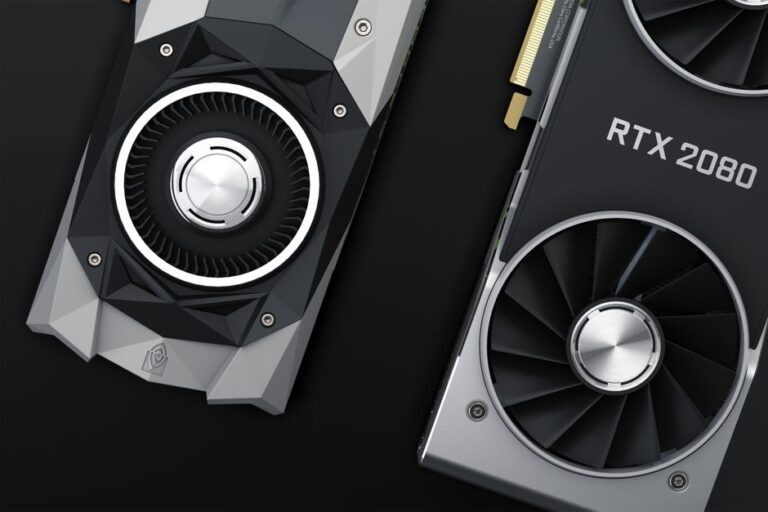
Check the specifications of your graphics card, particularly its maximum supported resolution and refresh rate. This information is usually available on the manufacturer’s website or in the product documentation.
The ideal response time for gaming monitors is typically between 1 ms and 5 ms. Lower response times reduce motion blur, which is crucial for fast-paced gaming scenarios.
Selecting the perfect monitor for gaming involves considering several factors that can significantly impact your overall experience. These include resolution, refresh rate, and panel type.
Monitor resolution can dramatically affect image clarity and detail. While 1080p is standard, many gamers are now opting for 1440p or 4K displays for sharper visuals. However, higher resolutions require more powerful hardware to maintain smooth gameplay.
A higher refresh rate, measured in hertz (Hz), results in smoother motion on screen. For competitive gaming, a refresh rate of 144Hz or more is recommended. This allows for quicker reactions and a more fluid gaming experience.
Understanding these factors will help you make an informed decision when upgrading your gaming monitor.