The Importance of a Good Graphics Card in Gaming
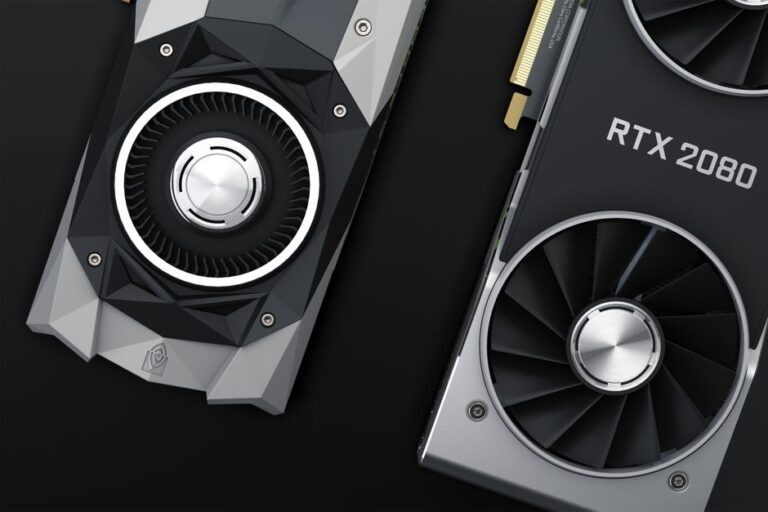
In the realm of gaming, the graphics card is perhaps the most critical component when striving for high-performance gameplay. A superior graphics card not only enhances visual fidelity but also ensures fluid frame rates and an immersive experience. It is essential to understand how to choose the right graphics card to meet both your gaming needs and your budget while considering various factors like performance, compatibility, and features.
Key Features to Consider When Selecting a Graphics Card
When choosing a graphics card, several essential features should be evaluated:
- GPU Architecture: The architecture determines how efficiently a card performs tasks. Current options include NVIDIA’s Ampere and AMD’s RDNA architectures.
- VRAM: Video RAM is vital for handling high-resolution textures. Aim for at least 6GB for 1080p gaming and more for higher resolutions.
- Clock Speed: The clock speed, measured in MHz, influences how fast a GPU processes data. Higher clock speeds often equate to better performance.
- Cooling Solutions: Effective cooling can prolong a graphics card’s lifespan. Consider models with dual fans or advanced cooling technologies.
- Ray Tracing Support: This technology enhances realism in lighting and shadows. Look for cards that offer real-time ray tracing capabilities.
Understanding Compatibility with Your System
Ensuring that the graphics card is compatible with your gaming setup is vital. Here are factors to consider:
- Power Supply: Check if your power supply unit (PSU) can handle the card’s power requirements. Most high-performance graphics cards need a PSU with a minimum wattage specification.
- Motherboard Slot: Most graphics cards use PCIe slots. Ensure your motherboard has the appropriate slot available.
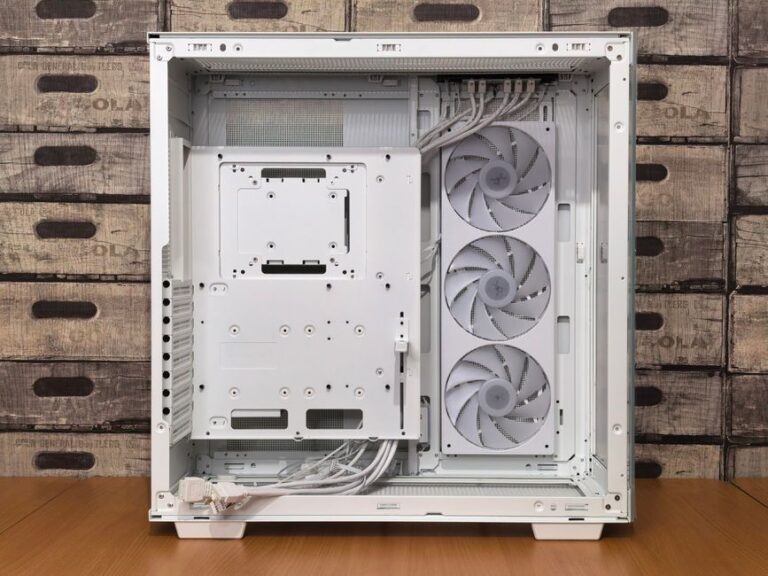
- Physical Space: High-end graphics cards can be large. Verify that your case has enough space to accommodate the new card.
Price Range: Finding the Right Balance
The price of graphics cards can vary significantly. It is crucial to find a balance between functioning effectively without exceeding budget constraints. Current models range widely in price, influenced by demand and technological advancements:
- Budget Cards: Generally range from $150 to $300, suitable for 1080p gaming.
- Mid-Range Cards: Typically priced between $300 and $600, supporting higher resolutions and settings.
- High-End Cards: Prices usually start from $600 and can exceed $1,000, designed to deliver premium performance at high resolutions like 4K.
Performance Evaluation: Which Card is Right for You?
Evaluating the performance of a graphics card involves looking at benchmarks and user reviews. Consider the following steps:
- Benchmark Results: Look for reliable sources that test various games at different settings to compare FPS (frames per second).
- User Feedback: User reviews often provide insights into real-world performance and reliability.
- Brand Reputation: Established brands like NVIDIA and AMD generally offer better customer support and warranty options.
Staying Updated with Technology Trends
As technology progresses, so do the capabilities of graphics cards. Keep an eye out for emerging trends that could impact your decision-making:
- AI Upscaling: Technologies like NVIDIA’s DLSS can provide enhanced performance and visual quality without compromising frame rates.
- Cross-Compatibility: Look for features that allow you to pair cards from the same brand for better processing power.
- Sustainability: Newer models may feature eco-friendly designs that consume less power while reducing heat output.
Upgrading and Future-Proofing Your Graphics Card
When investing in a graphics card, it is wise to consider future-proofing your purchase. An adequately chosen card today will serve your gaming needs for years to come:
- Choose Higher Specifications: If budget permits, opt for cards with higher specifications to extend their useful life.
- Check for Upgradability: Ensure other components, like your CPU and RAM, can keep pace with future graphics cards.
- Monitor Compatibility: Factor in resolution and refresh rate of your monitor to ensure your graphics card can deliver optimal performance.
Frequently Asked Questions
What is the best graphics card for 1080p gaming?
For 1080p gaming, options such as the NVIDIA GeForce GTX 1660 Super or the AMD Radeon RX 5600 XT are frequently recommended.
How much VRAM do I need for gaming?
For 1080p gaming, a minimum of 4-6GB of VRAM is recommended. For higher resolutions, 8GB or more is ideal.
Can I use multiple graphics cards in one system?
Yes, you can utilize multiple graphics cards in one system if your motherboard supports SLI or CrossFire configurations, although this is less common with modern gaming.
How do I know if my graphics card needs replacing?
Signs may include poor performance in new games, artifacts on screen, or frequent crashes. If you want better visuals or smoother gameplay, it may be time to upgrade.
What is Ray Tracing, and do I need it?
Ray Tracing is a rendering technique that enhances lighting effects for a more realistic experience. While it improves visuals significantly, it is not essential for every gamer.